Germany Ticket Guide (Deutschlandticket): Everything you need to know
However, with the continuous updates to prices and subscription conditions, many people may fall into the trap of fines or unwanted automatic renewal.
Therefore, we will explain everything you need to know about the ticket, starting from how to subscribe to the secrets of cancellation and avoiding fines in 2026.
What is the Germany Ticket (Deutschlandticket)?
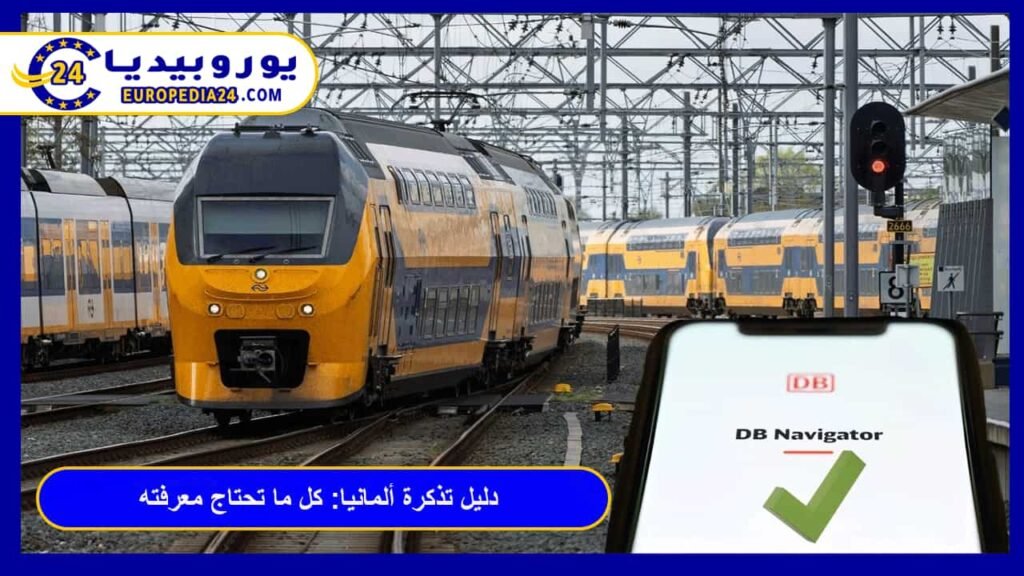
The Germany Ticket, popularly known as the €49 ticket, is a digital monthly subscription that allows you to use all public transportation in Germany without any geographical restrictions.
Once you subscribe, you can move within cities via metro, buses, or trams, and between cities through regional trains across Germany.
It is worth noting that the Germany Ticket is a continuous subscription, meaning it is automatically renewed every month, so you must manage and cancel it manually if you do not wish to continue.



What does the Germany Ticket include?
Before you start the subscription process for the Germany Ticket, you must know what the ticket covers and what it excludes to avoid heavy fines.
| Type of transport | Is it included in the ticket? | Important notes |
| Buses | Yes | Across all of Germany |
| Trams | Yes | In all cities |
| Metro (U-Bahn / S-Bahn) | Yes | Public transport within cities |
| Regional trains (RE / RB / IRE) | Yes | Second class only |
| Long-distance trains (ICE / IC / EC) | No | Requires a separate ticket (fine is immediate) |
| Flixtrain trains | No | Not included |
How do you subscribe to the Germany Ticket (Deutschlandticket)?
Subscribing to the Germany Ticket does not require visiting official offices; the process is done entirely online. The required steps are as follows:
- Download the app: We recommend using the DB Navigator app, the official railway app, or local transport apps of the city you live in (such as BVG in Berlin or MVG in Munich).
- Create an account: Create a personal account on the app after downloading it, then enter all your details and make sure they are correct without any errors.
- Payment method: You will need a German bank account (IBAN) to complete the automatic payment process.
- Activate the ticket: The ticket will be sent to your account on the app in the form of a renewable QR code.
How much does the Germany Ticket cost in 2026?
The question about the price of the Germany Ticket is the most common, especially with changes in German government policies.
Currently, the ticket is priced as a flexible monthly subscription, and adjustments have been made to its value to align with operating costs. It is not a fixed price forever, but rather subject to decisions by German regulatory authorities.
The ticket often remains the cheapest option compared to buying daily or monthly tickets, making it the best investment for daily transportation.
We always recommend checking the official price through the DB Navigator app or the official Deutsche Bahn website before completing the payment process.
How do you avoid fines and problems when using the Germany Ticket?
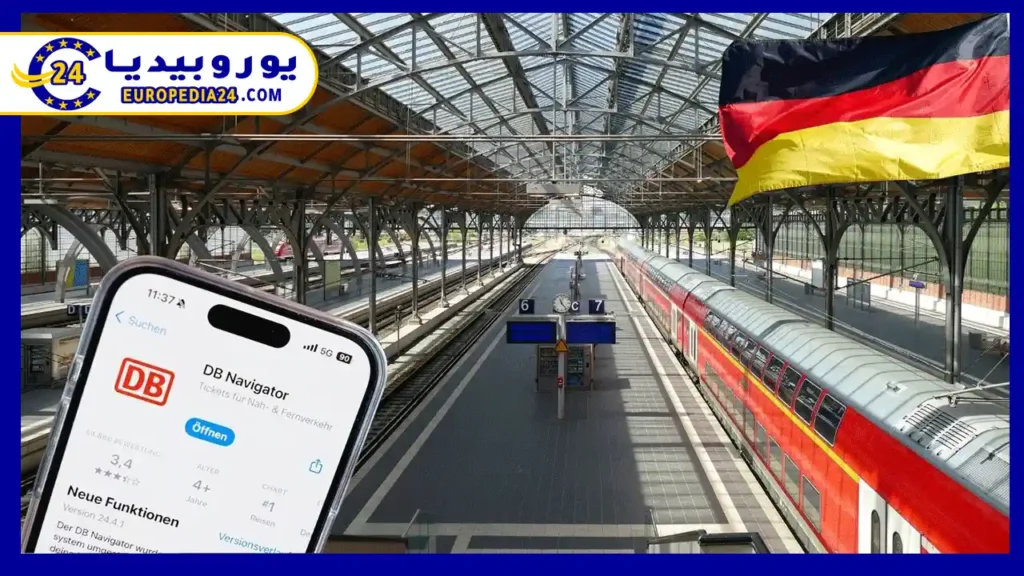
In Germany, the system does not accept the excuse “I did not know” for any mistake, whether small or large. Therefore, using German transport tickets incorrectly may result in an immediate fine starting from 60 euros.
Most of these problems occur among new immigrants not because of an intention to evade, but due to a lack of understanding of the small details of transport laws, which may seem complicated at first.
To enjoy your transportation without worry or unpleasant surprises with ticket inspectors, here are the most important tips that will allow you to use the ticket with complete peace of mind:
- The cancellation trap or forgetting to cancel: The biggest mistake made by new immigrants is forgetting to cancel the subscription. You must cancel before the 10th of the month to avoid being charged for the next month. If you cancel after the 10th, the next month’s payment will be deducted, and your subscription will end at the end of that month. Therefore, after subscribing, it is recommended to immediately go to the “cancel” option in the app to disable automatic renewal. This will not stop your current ticket but will prevent additional charges.
- App failure or no internet connection: Do not rely only on the internet. Save the ticket as a PDF on your phone (or take a clear screenshot of the QR code) so it remains available even if the internet is cut or the app fails during inspection.
- Bringing bicycles: The ticket does not include free bicycle transport in most German states, so you will need to buy an additional bike ticket.
- Bringing children: Children under 6 years old usually travel for free, but rules may vary slightly from state to state. Always check the local regulations before use.
Continue your settlement journey in Germany
Now that you can travel freely with the Germany Ticket, do not forget to complete other procedures that ensure your legal status and comfort:
- Residence registration in Germany (Anmeldung): It is essential for any legal procedure.
- Opening a bank account in Germany: it is very important for paying the ticket subscription.
Frequently asked questions about the Germany Ticket
No, the ticket is personal and issued under your name, and you are required to show an ID, passport, or residence card during inspection. Sharing it exposes you to a large fine.
What if I forget my phone during a Germany Ticket inspection?
If you are checked and do not have the ticket with you, you will receive a fine (usually 60 euros). You can later present the ticket to the office to cancel the fine in exchange for a small administrative fee, but it is better to avoid this situation by saving a copy of the ticket.
Have you faced any problem while subscribing to the Germany Ticket (Deutschlandticket)? Share your experience in the comments, or tell us if you want a detailed explanation of the cancellation process in a specific app.
Short answer for search intent
The Germany Ticket (Deutschlandticket) is a real revolution in the transportation system within the country, as it gives you the ability to travel unlimitedly across all regional transport with a unified price. In practical terms: choose the correct legal pathway first, then verify the official requirements, documents and appointment rules before relying on individual experiences.
Who this guide is for
This content is written for people planning residence, immigration, asylum, family reunification or visa steps in Germany. The added checkpoints help readers turn the information into a safer practical decision instead of relying on a general or outdated summary.
Before relying on the information
- Do not mix work, study, asylum and family pathways; each has different evidence and deadlines.
- Check document validity, translations and appointment rules before submitting an application.
- Seek qualified advice if the update affects an existing legal status or pending case.
Official and reliable references
Frequently asked questions
Can details differ from one German state to another?
Yes. For study, work, housing and local services, details may differ by state, city or authority. Always verify the responsible source for the place you are targeting.
Does this article replace official guidance?
No. The article explains the context and gives practical checkpoints, but it does not replace official websites or qualified advice when a legal or financial decision is involved.
Editorial note: This content was editorially reviewed on July 11, 2026, with clearer search-intent answers, official references and practical verification points added.
This post is also available in:
 العربية
  简体中文
简体中文  Hrvatski
  Nederlands
  Suomi
Suomi  Français
  Deutsch
  Íslenska
  Gaeilge
  Italiano
  日本語
日本語  한국어
한국어  Polski
  Română
  Русский
  Español
  Türkçe